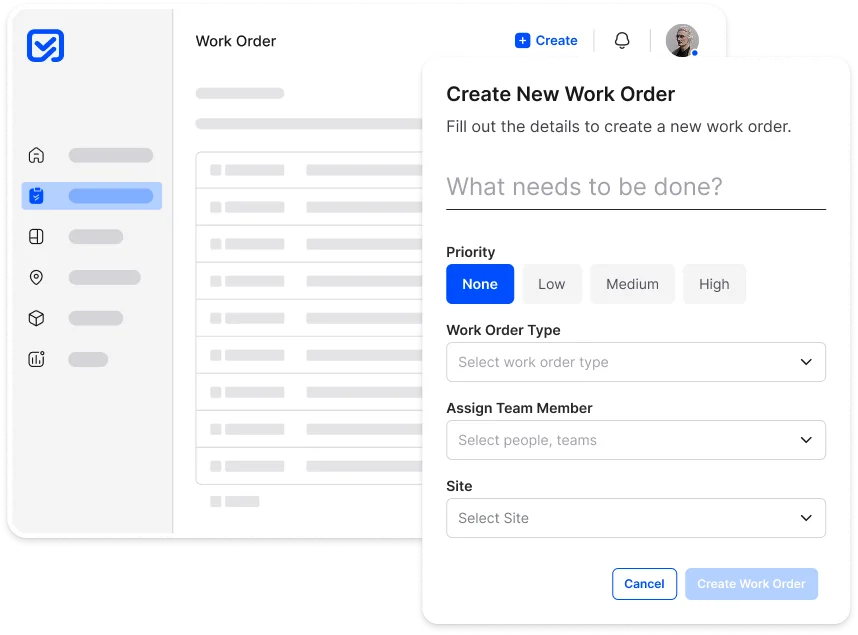
Capture, assign, and complete work without
the chaos.
Inspeq Work Orders centralizes requests, issues, and tasks. With automated routing, clear responsibilities, and transparent tracking, teams stay aligned and work gets done faster.
- One place for all work
- Asset & Site Linked
- Status & Priorities
Bring clarity and accountability to every task.
Teams often capture issues but struggle to manage ownership, timelines, and follow-ups. Work gets lost in chats, spreadsheets, or vague handovers.
Common challenges
Unclear responsibilities, duplicate work, delayed fixes, and no real-time visibility into what’s progressing or blocked. Teams rely on manual reminders and disconnected tools.
Our Feature Delivers
- ✓Centralized task and job management for all teams
- ✓Smart assignments based on workload and priority
- ✓Live status tracking across sites and shifts
- ✓Complete audit history from creation to closure
Everything you need to manage work from start to finish.
Work Orders in Inspeq give teams structure, speed, and complete visibility across every task, repair, and
maintenance activity.
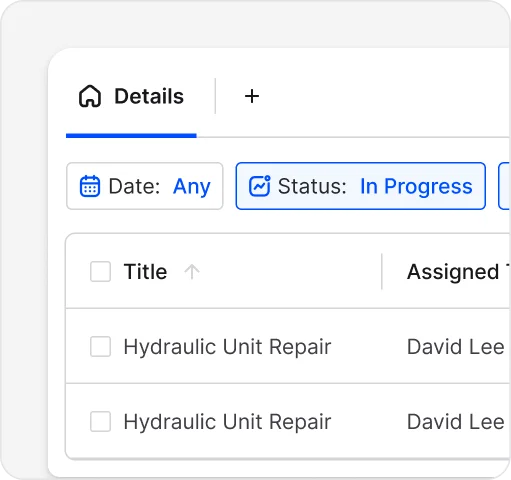
Create Work Easily
Start work orders from forms, alerts, reports, or manual inputs with all details pre-attached.
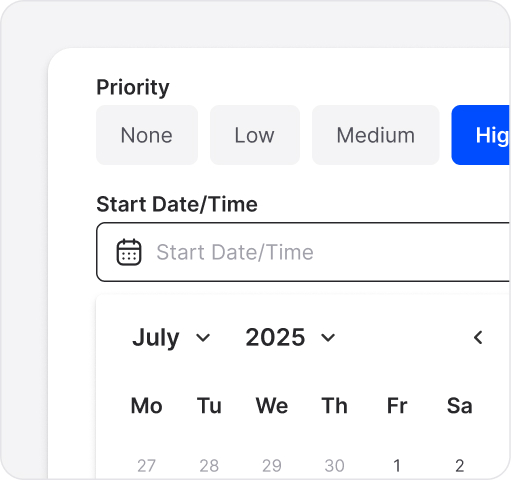
Priority & SLA Control
Define urgency and due dates so teams always know what needs attention first.
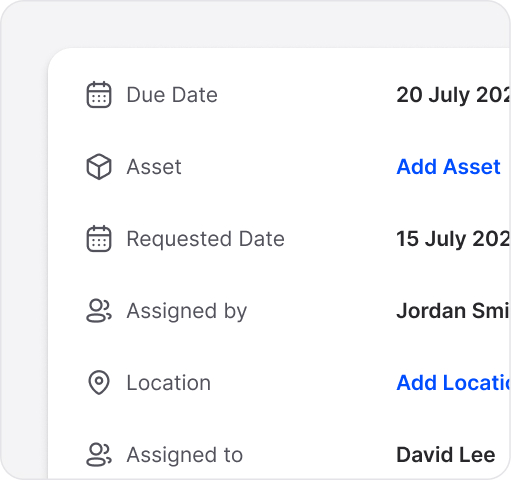
Asset & Location Context
Connect each work order to the right asset, site, or equipment instantly.
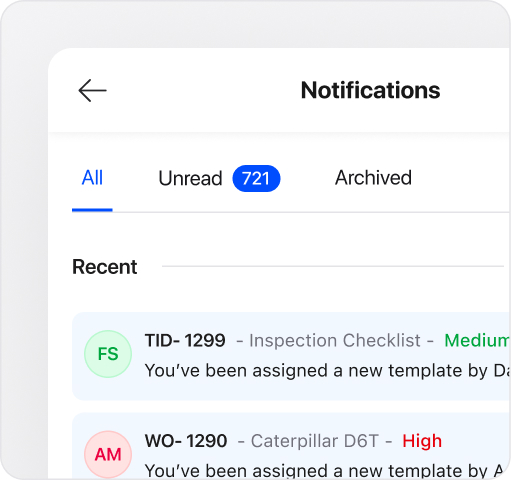
Mobile-Ready Execution
Technicians get clear steps, photos, and updates directly on mobile online or offline.
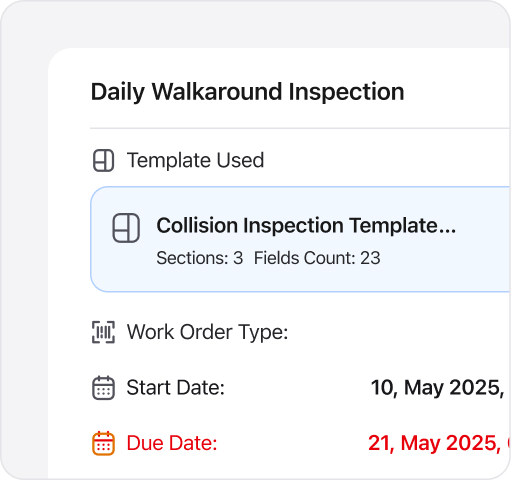
Connected Records
Jump to linked reports, templates, inspections, or alerts in one tap.
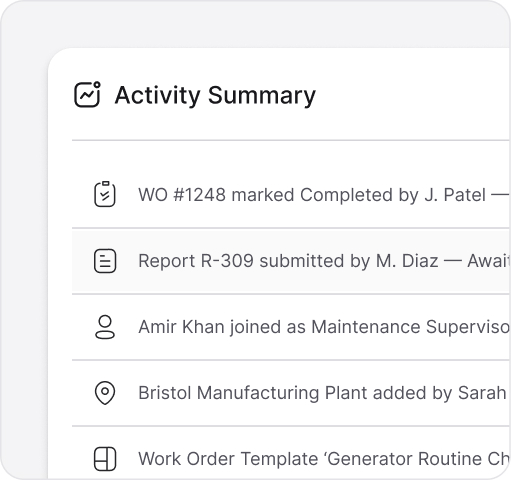
Backlog Insights
See recurring issues, overdue tasks, and team performance in one view.
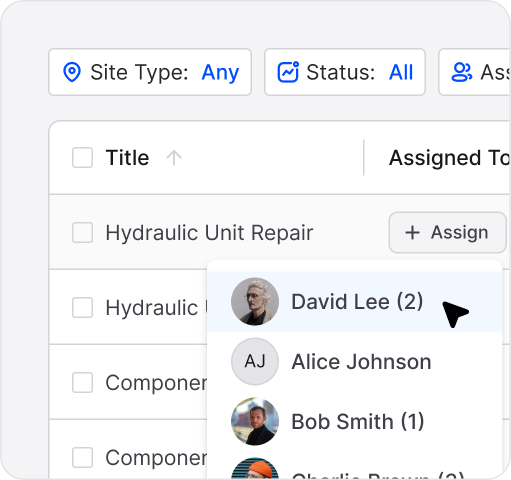
Smart Assignment
Automatically assign jobs based on availability, or workload.
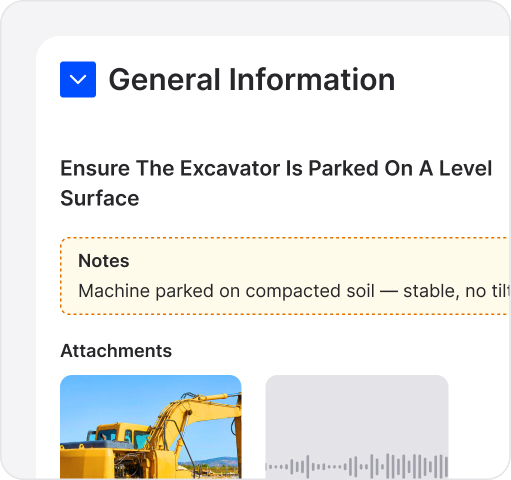
Guided Close-Out
Require photos, approvals, and notes so work is completed to standard.
See how streamlined work orders boost your team's efficiency and bottom line.
Inspeq Work Orders enhances team efficiency, reduces delays, and boosts accountability across all locations.
0%
Faster task completion with automated routing and assignments
0%
Fewer delayed fixes through real-time progress tracking
0%
Improvement in technician productivity with clearer job instructions
Work Orders that drive every workflow.
Create, assign, and track tasks with complete visibility.
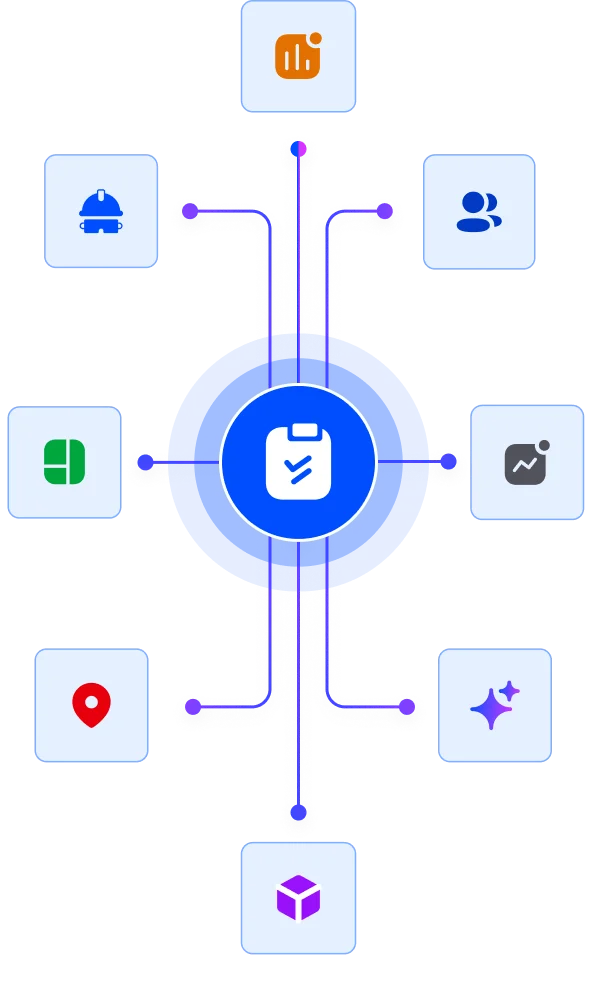
How customers run work orders in Inspeq.
See how different industries use Work Orders alongside inspections and asset management.

Construction
StoneHaven Builders
Challenge
Teams struggled to track multiple tasks across sites, deadlines were missed, and accountability was unclear.
Solution
Inspeq centralizes task creation, assignment, and tracking with full visibility and notifications.
Result
- Delayed tasks reduced by 41%
- Task completion speed increased by 33%
- Team accountability improved by 28%
“Inspeq Work Orders finally gave me full visibility. My team meets deadlines reliably, and I can track everything in one place.”
Elara Finch, Operations Manager

Asset Finance
SummitKey Finance
Challenge
Communication gaps caused teams to not know what was done or pending, slowing project delivery.
Solution
Inspeq provides a live overview of tasks and progress at every stage, keeping everyone aligned.
Result
- Task clarity improved by 52%
- Missed handoffs reduced by 46%
- Project delivery times faster by 22%
“We can see exactly what’s happening on every task now. It’s changed how we coordinate our projects.”
Nolan Briggs, Project Lead

Mining
IronPeak Mining
Challenge
Remote teams struggled to track equipment and inspection tasks, leading to delays.
Solution
Inspeq creates and assigns work orders with real-time updates and accountability tracking.
Result
- Task completion improved 44%
- Delays reduced 37%
- Remote coordination increased by 42%
“Tracking tasks across remote sites was impossible before. Now everything updates in real time.”
Talia Monroe, Site Supervisor
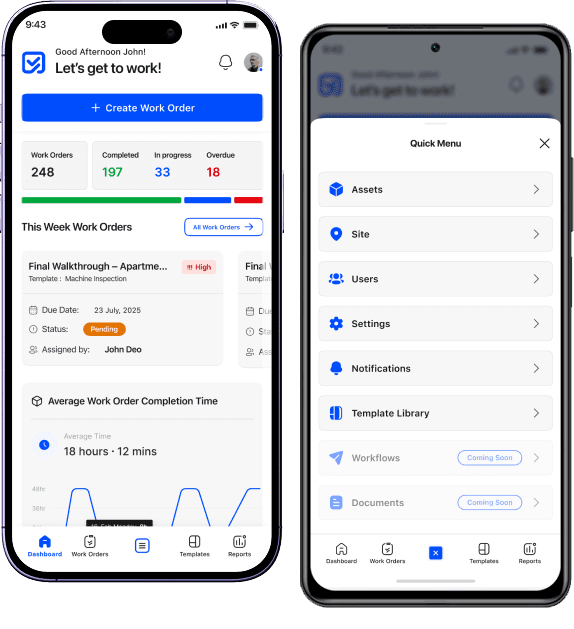
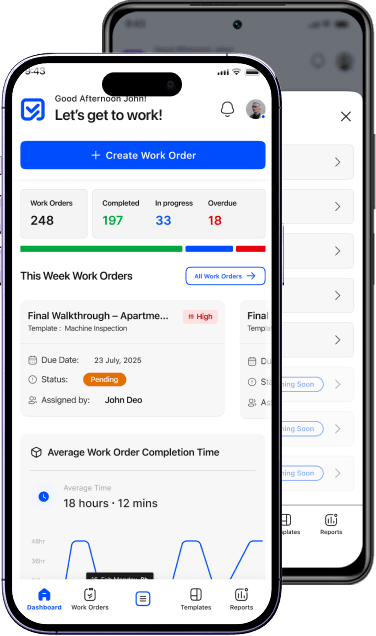
A mobile app built for
modern operational teams
Inspeq’s mobile app enables teams to execute work with speed and accuracy, whether in the field, on the shop floor, or across distributed sites.



Questions answered
We’re here to help you and solve objections. Find answers to the most common questions below.
Work Orders are structured tasks used to manage repairs, maintenance, actions, and operational work from start to finish.
Yes. They can be auto-generated from inspections, alerts, AI detections or templates.
Admins, supervisors, or field users—depending on role permissions—can create and assign Work Orders.
No, work orders are assigned to individuals but you can add watchers and approver as well.
Absolutely. You can configure urgency and due dates.
Yes. Work Orders attach automatically to the relevant assets, sites, templates, and team members.
Yes. They can change status, upload media, sign off, and complete tasks directly from the Inspeq app.
You can attach predefined steps, checklists, forms, or SOP templates to any Work Order.
Every change — from assignment to completion — is stored in a full audit log.
Yes. Completing or failing steps can generate new tasks, inspections, or corrective actions.
Still have questions?
Our team is here to help. Get in touch and we'll answer any questions you have.