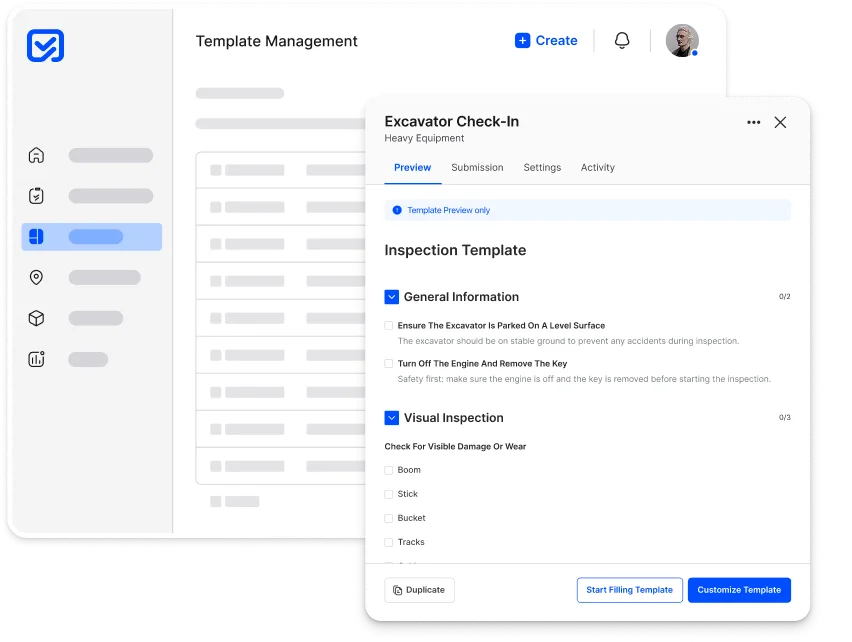
Build smart, standardized checklists in minutes.
Create industry-grade templates with step-by-step logic, scoring, and media capture, requiring no coding. Make your inspections fully structured, repeatable, and tailored to
your operations.
- Form builder
- Conditional logic
- Multiple field types
Standardize your workflows with zero complexity.
Organizations rely on inconsistent checklists and outdated forms, making it hard to ensure repeatable, high quality execution.
Common challenges
Paper forms, old spreadsheets, and
scattered templates lead to inconsistent processes, missing data, and no way to enforce structure.
Our Feature Delivers
- ✓Easy drag-and-drop template creation
- ✓Conditional logic for smarter workflows
- ✓Industry-ready templates you can adapt instantly
- ✓Version control to keep every team aligned
Everything you need to create structured, repeatable workflows.
Work Orders in Inspeq give teams structure, speed, and complete visibility across every task, repair, and
maintenance activity.
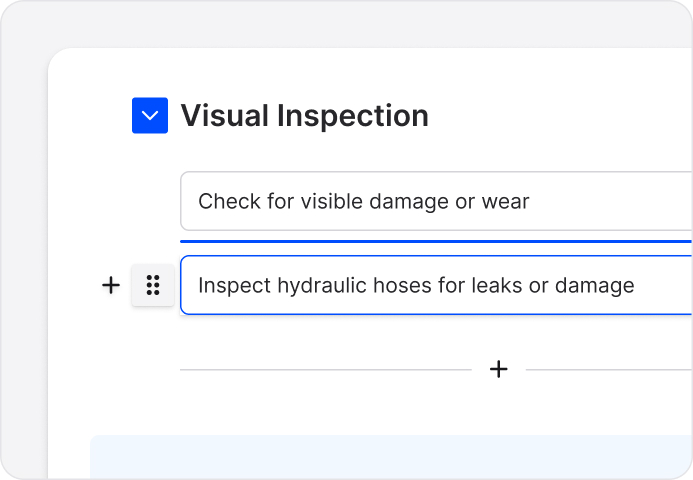
Drag-and-Drop Builder
Design workflows effortlessly with a clean UI.
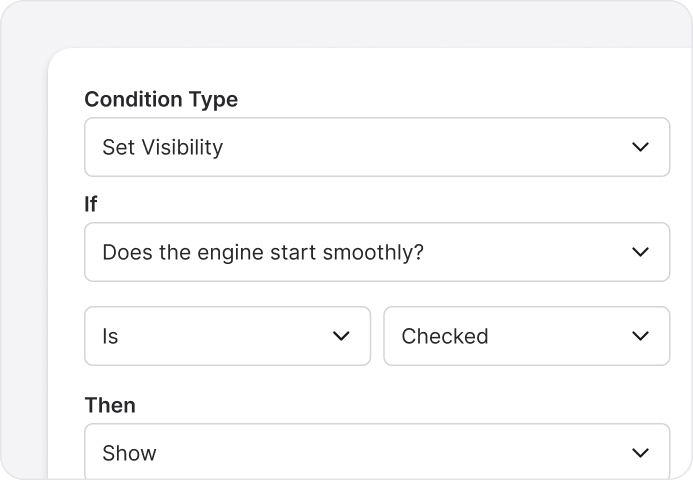
Conditional Logic
Show or hide fields based on previous answers.
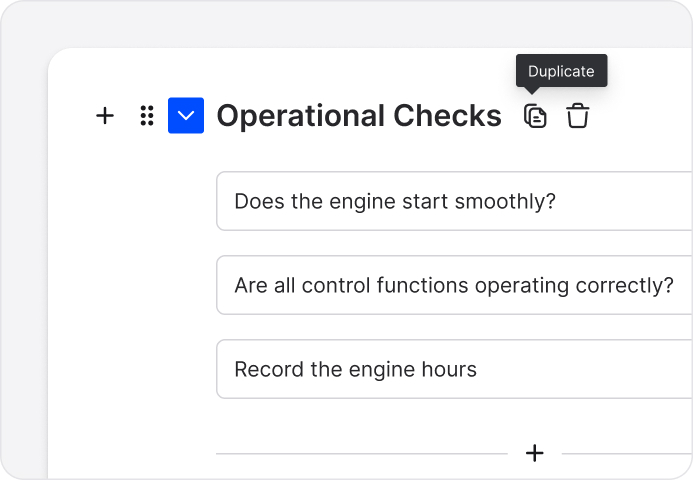
Reusable Blocks
Save common steps and reuse them
across templates.
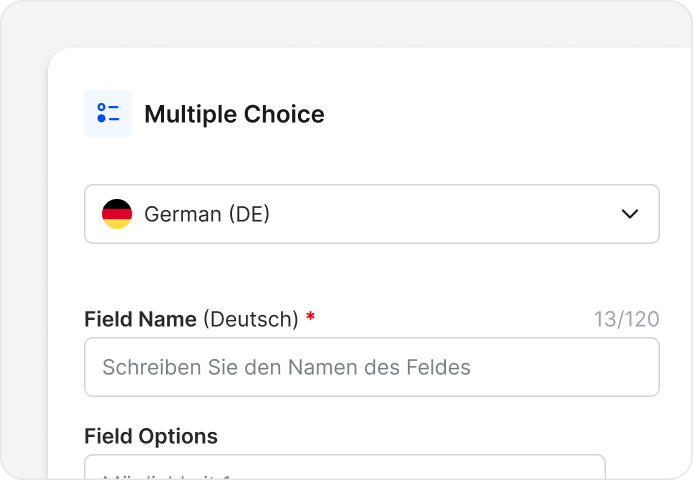
Multi Language Support
Deploy templates to teams in their
preferred language.
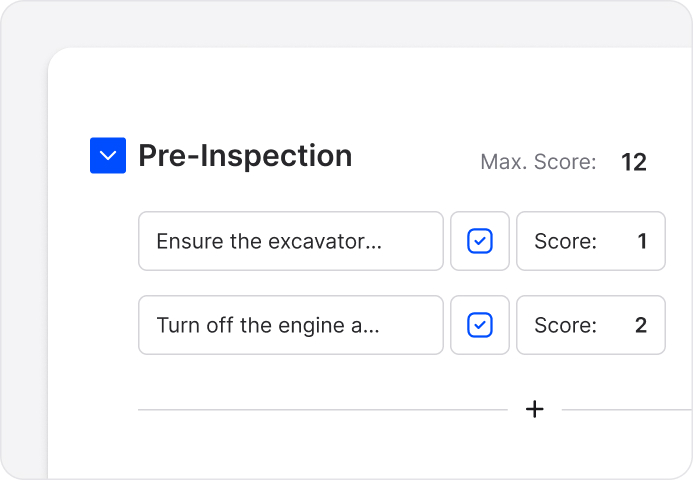
Scoring & Calculations
Add scoring rules, thresholds, or auto
calculated fields.
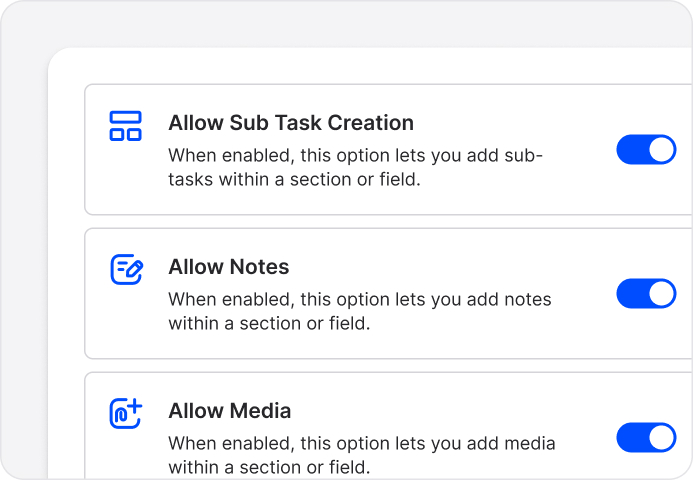
Media Capture Fields
Require photos, videos, notes, or documents
as needed.
See the impact of structured,
standardized workflows.
Organizations adopting Inspeq templates eliminate inconsistencies and speed up training and execution across teams.
0%
Faster workflow creation using drag and
drop templates
0%
Reduction in errors due to standardized forms and logic
0%
Better compliance consistency across
all locations
Work Orders that drive every workflow.
Create, assign, and track tasks with complete visibility.
How customers run work orders in Inspeq.
See how different industries use Work Orders alongside inspections and asset management.

Construction
StoneHaven Builders
Challenge
Teams recreated workflows per project, causing delays and mistakes.
Solution
Inspeq enables reusable templates to standardize execution.
Result
- Setup time reduced 50%
- Process errors down 46%
- Consistency improved 53%
“Every site runs the same playbook now.”
Keira Vaughn, Project Controls Lead

Asset Finance
SummitKey Finance
Challenge
Inspection processes differed between regions, causing errors.
Solution
Inspeq standardizes inspections with reusable templates.
Result
- Process variance down 48%
- Audit prep faster 38%
- Compliance accuracy up 35%
“Audits became simple overnight.”
Orion Wells, Risk Manager

Mining
IronPeak Mining
Challenge
Workflows drifted across remote operations, creating inefficiencies.
Solution
Inspeq locks best practices into templates for every site.
Result
- Workflow adoption up 55%
- Training time down 34%
- Error rate cut 43%
“Every crew works the same way now.”
Lyra Finch, Operations Engineer
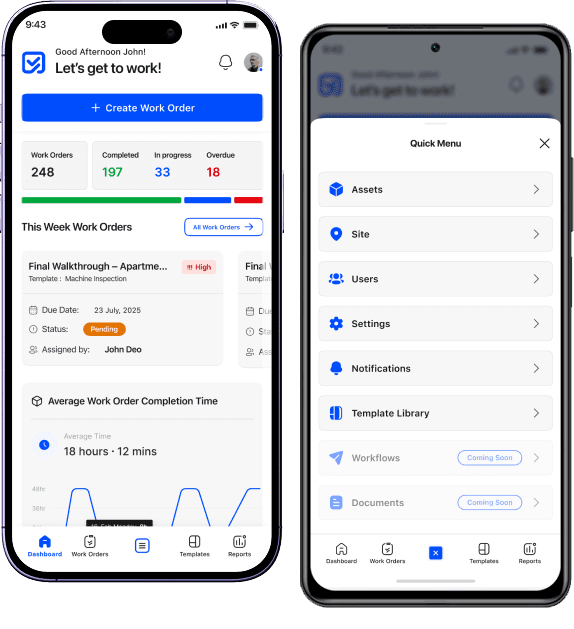
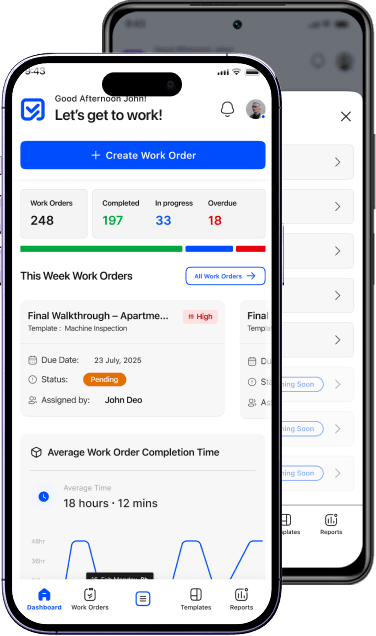
A mobile app built for
modern operational teams
Inspeq’s mobile app enables teams to execute work with speed and accuracy, whether in the field, on the shop floor, or across distributed sites.



Questions answered
We’re here to help you and solve objections. Find answers to the most common questions below.
Inspections, checklists, SOPs, audits, forms, surveys, and any structured workflow.
No. Everything is drag-and-drop and configuration-based.
Yes. Templates support if/then logic, branching questions, and skip rules.
You can add scoring systems, thresholds, weighted responses, and pass/fail logic.
Yes — photos, videos, attachments, signatures, and notes can all be required.
Yes. You can use prebuilt templates for different industries as a starting point.
Yes. Updates propagate instantly without disruption to running tasks.
Absolutely. Templates can be assigned per site, team, or role.
Yes. Templates can be translated and deployed in multiple languages.
Rules can populate fields based on asset data, user profiles, or past entries.
Still have questions?
Our team is here to help. Get in touch and we'll answer any questions you have.