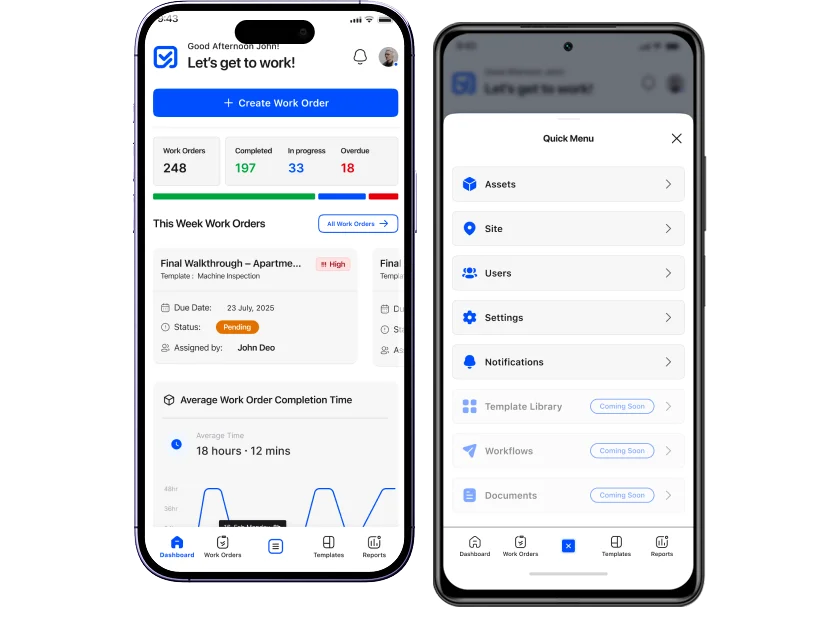
Everything your field teams need right in their hands.
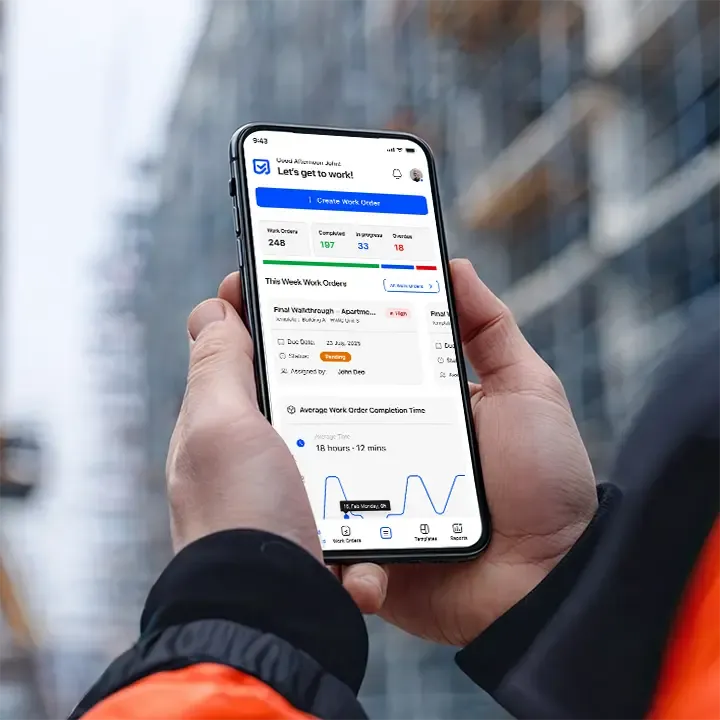
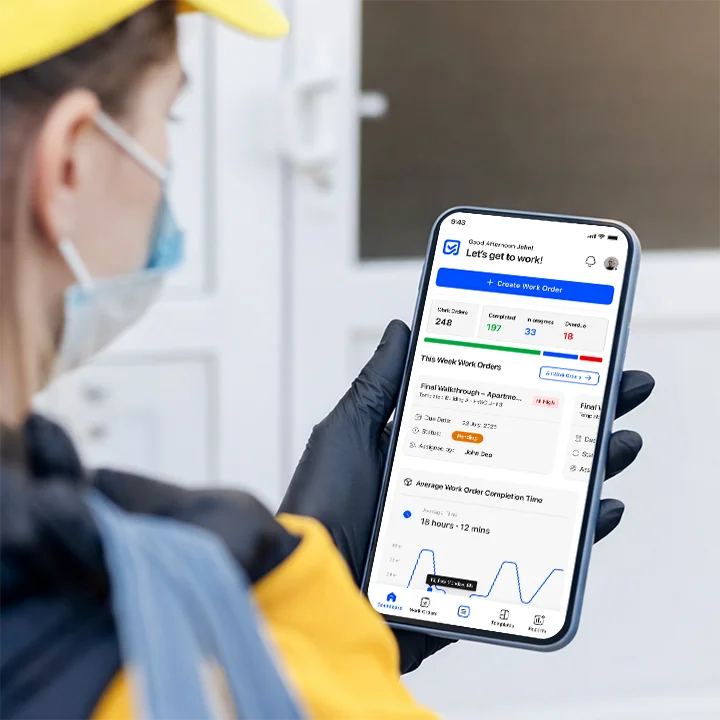
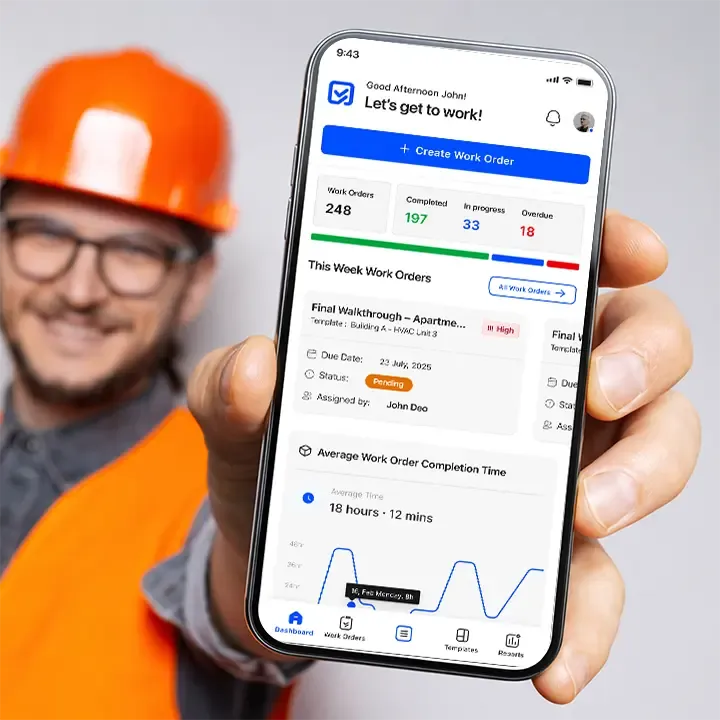
Offline-ready, fast, and intuitive. Capture media, complete inspections, submit issues, and receive tasks from anywhere with the Inspeq mobile app.
- Offline mode
- Media-first workflows
- Real-time sync
Give field teams everything they need anywhere, anytime.
Work doesn’t happen at desks, and teams often operate with limited connectivity or outdated paper tools.
Common challenges
Offline constraints, fragmented data
capture, slow updates, and difficulty syncing with supervisors.
Our Feature Delivers
- ✓Offline-ready mobile workflows
- ✓Fast media capture and task updates
- ✓Real-time sync with web dashboards
- ✓Simple, intuitive UI built for field teams
Everything you need to stay productive in the field.
A fast, intuitive mobile experience for inspections, tasks, evidence capture, and reporting.
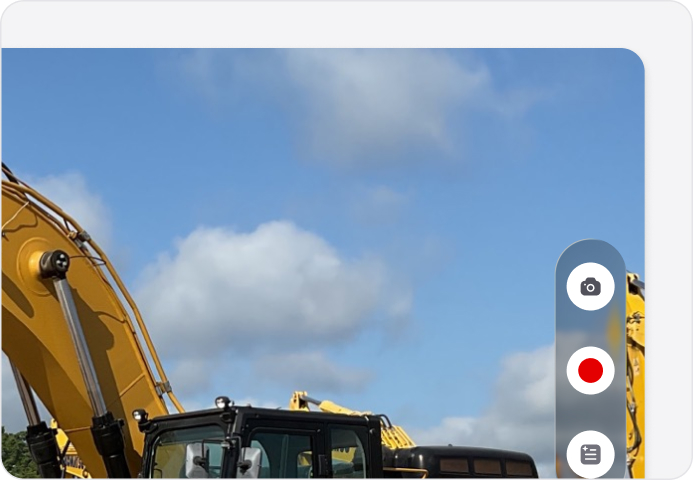
Quick Capture
Take photos, videos, notes, or voice
memos effortlessly.
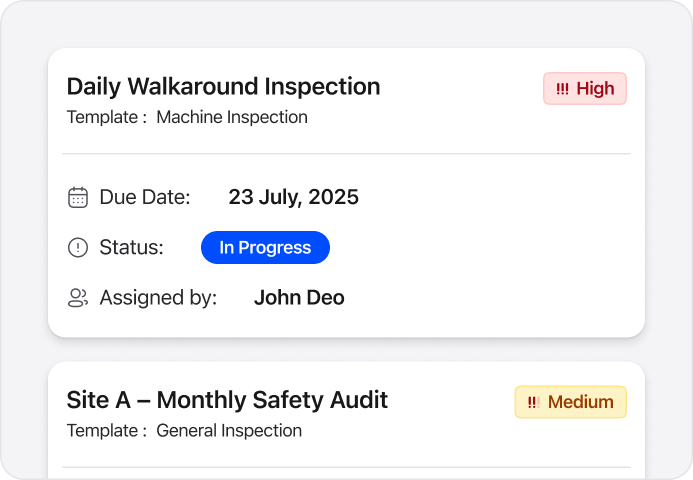
Task & Work Order Access
See what needs to be done in real time.
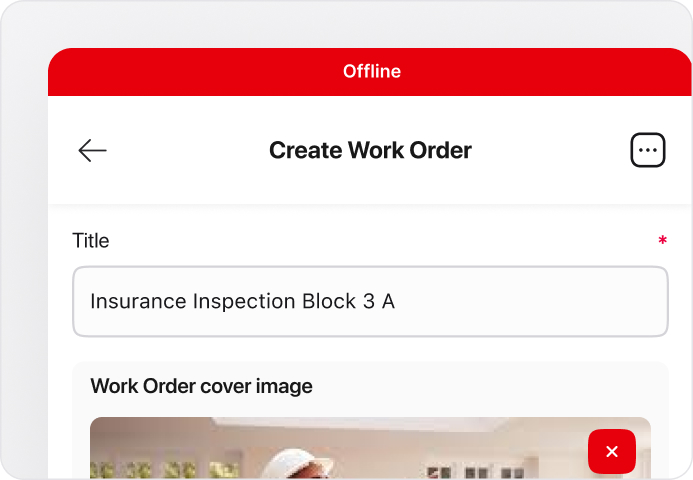
Offline Mode
Work anywhere, even without a network.
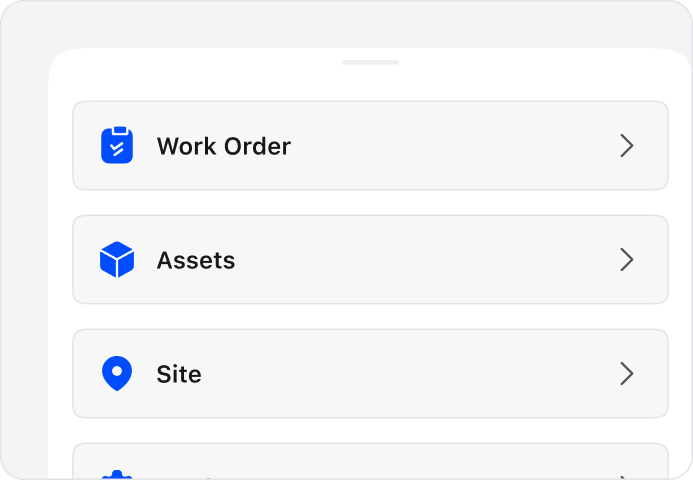
Simplified Navigation
Optimized for technicians and field teams.
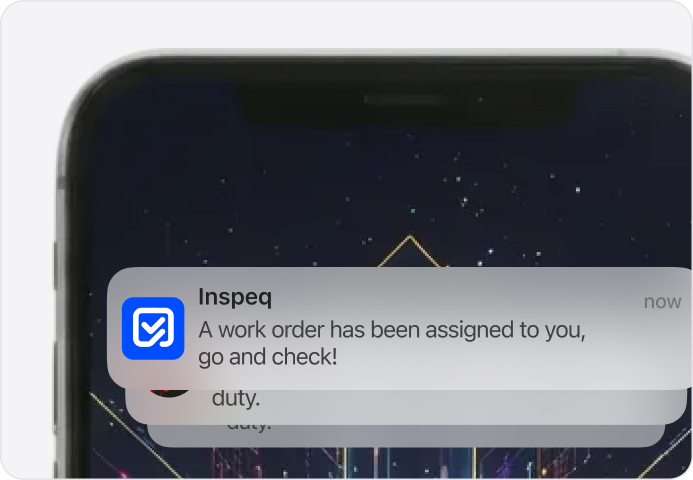
Push Notifications
Stay informed on assignments and updates.
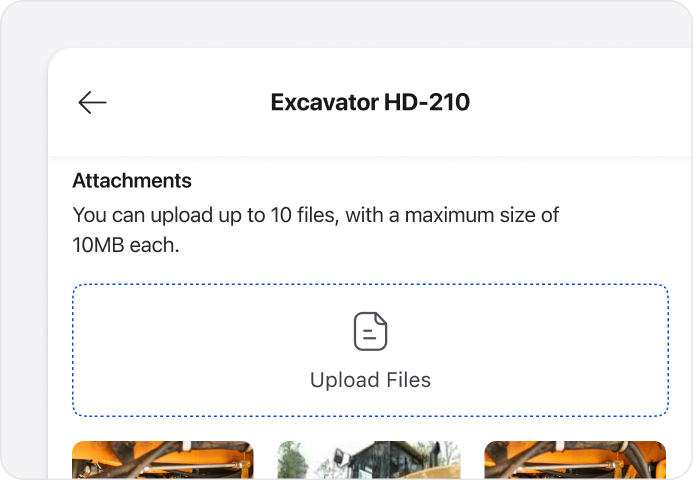
Photos & File Attachments
Document deviations clearly.
See the impact of mobile-first
field operations.
Field teams work faster, stay connected, and complete tasks without waiting for office-based updates.
0%
Faster task turnaround in the field
0%
Improvement in real-time data capture
0%
Increase in field productivity, even offline
Your entire inspection workflow in
your pocket.
Work online or offline, capture media, receive job assignments, and complete inspections from anywhere. The mobile app keeps teams productive and connected in every environment.
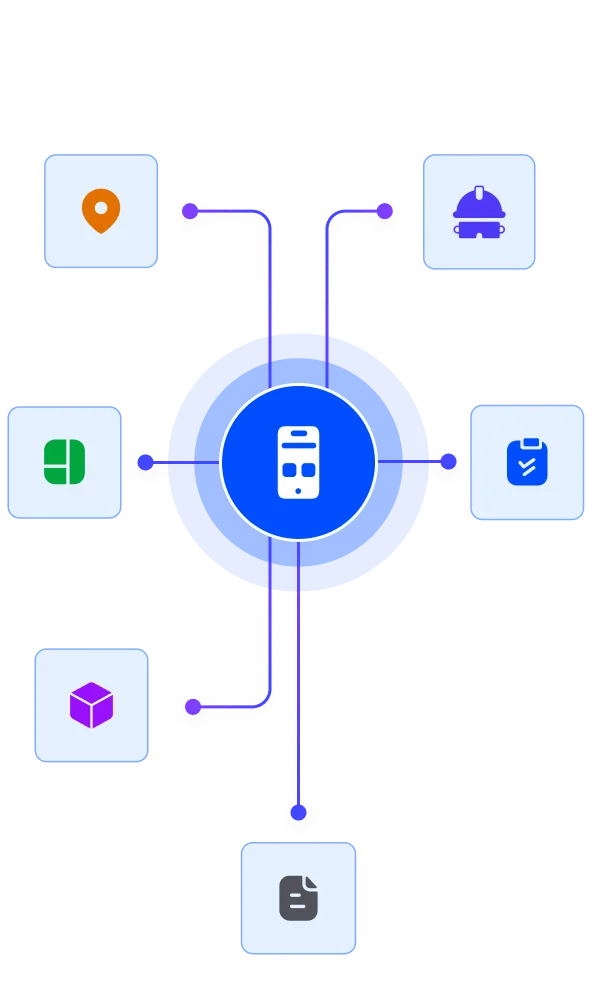
How customers run work orders in Inspeq.
See how different industries use Work Orders alongside inspections and asset management.
Residential & Real Estate
HavenBrook Realty
Challenge
Field maintenance teams carried multiple tools, slowing work.
Solution
Inspeq Mobile App consolidates tasks, reports, and inspections in
one interface.
Result
- Tool switching reduced 52%
- Field efficiency improved 32%
- Task completion faster 30%
“Everything we need is in one app. Field work is easier now.”
Jasper Lowe, Field Coordinator
Oil & Gas
NovaPetra Energy
Challenge
Engineers couldn’t access inspection data remotely, causing delays.
Solution
Inspeq Mobile App delivers real-time access to inspection and work order data.
Result
- Remote issue resolution faster 42%
- Compliance improved 37%
- Field response time up 34%
“Our engineers handle issues from anywhere efficiently.”
Tyrian Holt, Field Operations Lead
Facility Management
OmniSphere Facilities
Challenge
Teams spent hours updating multiple systems manually.
Solution
Inspeq Mobile App centralizes all updates and reporting in real-time.
Result
- Data entry reduced 57%
- Team efficiency up 38%
- Errors down 32%
“The mobile app replaced multiple tools. Our team is more efficient.”
Amara Finch, Operations Lead
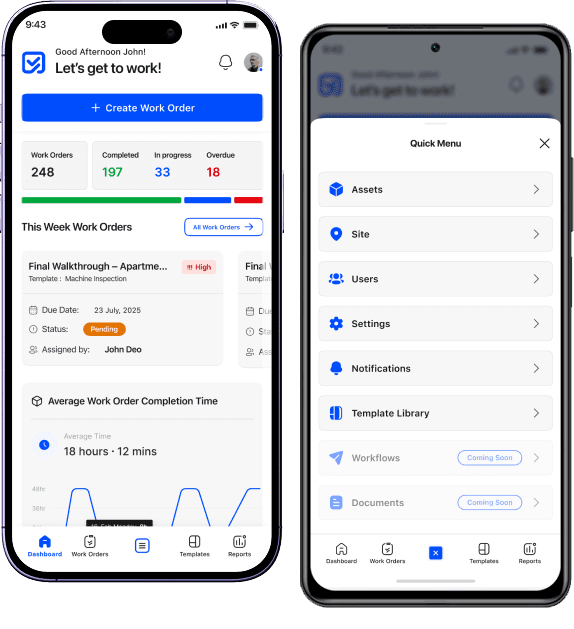
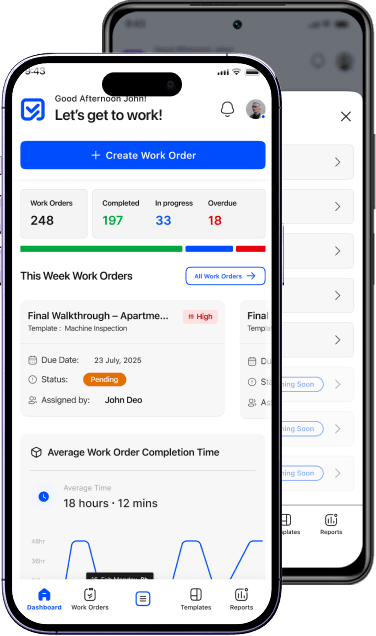
A mobile app built for
modern operational teams
Inspeq’s mobile app enables teams to execute work with speed and accuracy, whether in the field, on the shop floor, or across distributed sites.



Questions answered
We’re here to help you and solve objections. Find answers to the most common questions below.
Complete inspections, create tasks, capture media, manage assets, and submit reports.
Yes. Data saves locally and syncs when online.
Yes — for assignments, updates, approvals, and reminders.
You can capture media in real-time or upload from your gallery.
Yes, on both App Store and Google Play.
Yes. Scan codes to open assets, templates, or sites instantly.
Yes. The app supports voice notes and hands-free workflows.
Digital signatures are fully supported.
Yes. Language options can be configured per user.
Yes. Access follows your role settings from the web platform.
Still have questions?
Our team is here to help. Get in touch and we'll answer any questions you have.